
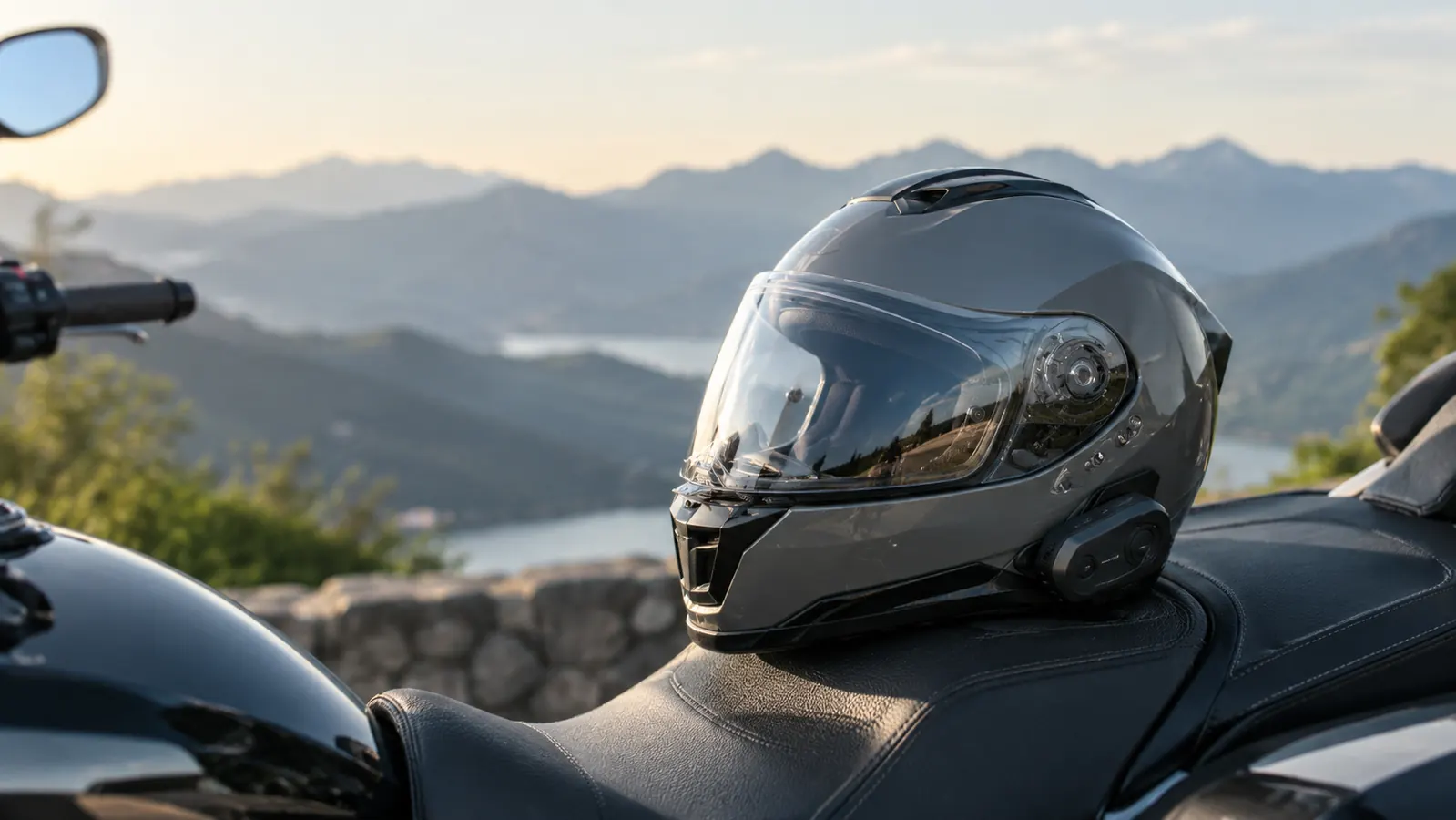
The first time I tried to pair a Bluetooth intercom, I was sitting in my garage in Bend with the manual in one hand and my phone in the other, and I still managed to get it wrong. The Cardo Spirit is easier than most, but easy is relative when you are dealing with buttons that do different things depending on how long you hold them. After a few thousand miles with mine, including a summer trip where Linda and I talked from Oregon to Montana and back, I have the sequence down well enough to write it out the way I wish someone had written it for me.
This guide covers the two pairings you will actually use: connecting the Cardo Spirit to your phone, and connecting two Cardo headsets for rider-to-pillion intercom. I will also cover the common mistakes that make people think their unit is broken when it is not. The same steps apply whether you bought the Spirit for yourself or as a gift for a riding partner.
Pairing is easier when the headset is already on your helmet
The Cardo Spirit is the unit I have used for two seasons of touring. If you are shopping for one, today's price on Amazon is worth checking before you start.
Amazon Check Today's Price on Amazon →Step 1: Charge the Cardo Spirit fully before the first pairing
A headset that dies mid-pairing will do strange things, and a low battery causes more 'this thing is broken' moments than any actual defect. I learned that with an older headset years ago, at a rest stop near Sisters, when the unit powered itself off halfway through the handshake and left my phone half-connected. The Cardo Spirit has never done that to me, but I do not push my luck. Plug it into the included cable and give it a full charge before the first pairing. The cable is short, so set the unit on the workbench next to the outlet rather than trying to charge it while it is mounted on the helmet. The light on the unit tells you when it is done, and a couple of hours on the charger is enough to get you through setup and a full day of riding.
I charge mine the night before a trip and again if I plan to be out for more than eight hours. On the long day we rode from Bend to Missoula, the Spirit ran from first light to well past dark on a single charge, music and intercom both, and still had battery left the next morning. It has been reliable, but I treat it like every other piece of riding gear: check it before you need it, not after.
One note from experience: do the first pairing in your garage or living room, not at a rest stop with traffic noise. You need to hear the voice prompts clearly, and you will be holding your phone in one hand while you press buttons with the other. I did my first pairing on a workbench with the garage door down, and I still had to repeat a step. Give yourself quiet and a place to set the helmet down.
Step 2: Turn the Cardo Spirit on and put it in pairing mode
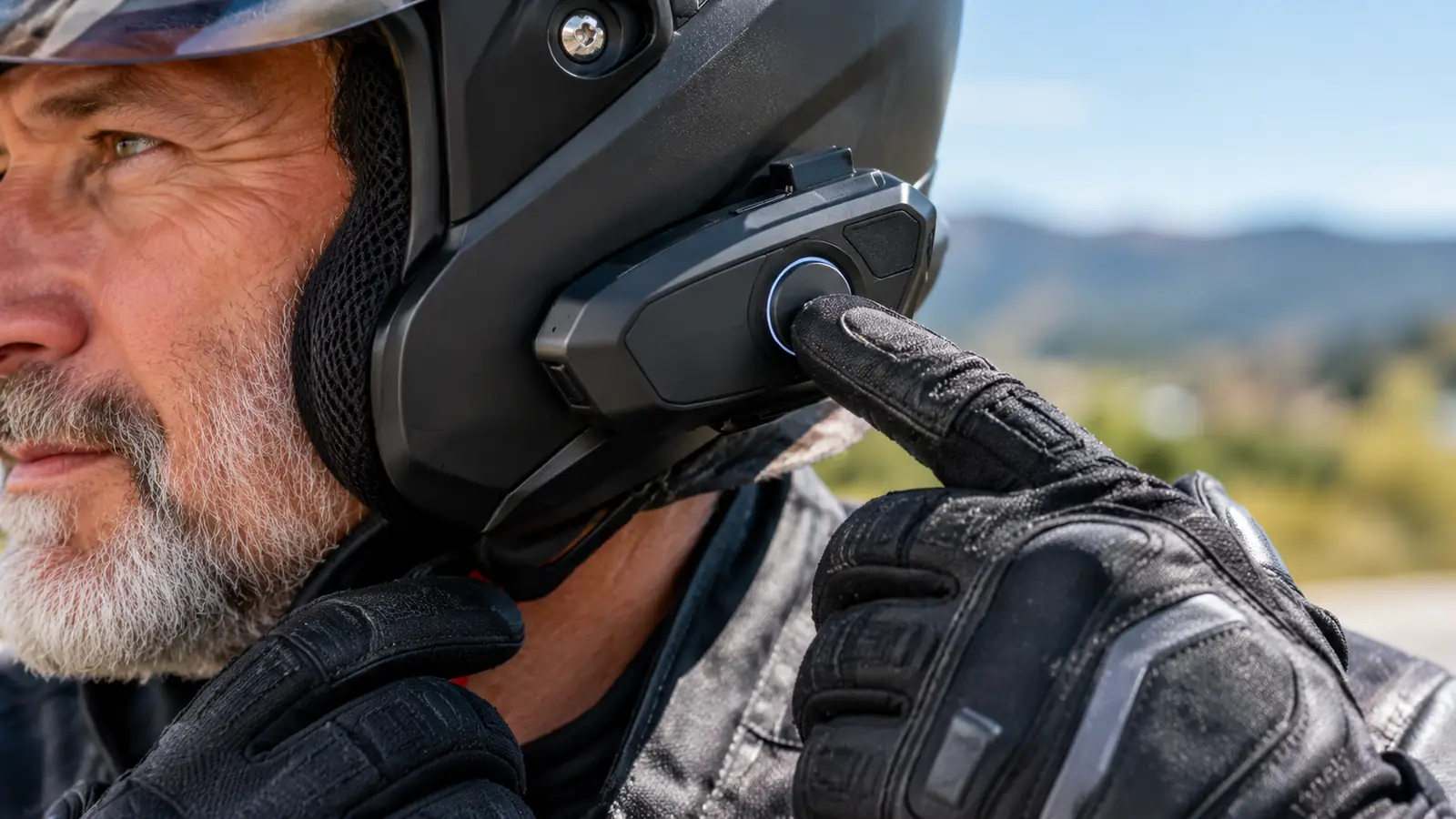
Press and hold the main button for about two seconds to power the unit on. You will hear a voice prompt, and the LED starts blinking. To put it in phone pairing mode, hold the main button for about five seconds until the LED flashes red and blue. That red and blue flash is your signal that the Cardo Spirit is looking for a phone. The button is the same one you use for everything, which is why the timing matters.
The voice prompt will say something like 'phone pairing.' If you hear that, you are in the right mode. If you only held the button for two seconds, you just turned the unit on, and it is not searching for anything yet. This is the step most people get wrong, including me the first time. I stood in the garage holding my phone, wondering why the Spirit was not showing up, until I realized I had never actually put it in pairing mode.
The opposite mistake is holding the button too long. Past the five second mark, the Spirit cycles into intercom pairing mode, which is for linking two headsets, not a phone. The first time I did that, the prompt said 'intercom pairing' and I could not figure out why my phone could not see the unit. The fix was to power the unit off and start over. Learn the difference now and you will save yourself ten minutes in a parking lot later.
Step 3: Pair the Cardo Spirit to your phone
With the headset in pairing mode, open the Bluetooth settings on your phone and look for available devices. You should see the Cardo Spirit listed. Tap it, and within a couple of seconds the headset says 'connected' and the LED settles to a slow blue blink. That slow blink is the state you want. If it goes back to flashing red and blue, the handshake did not take, and the cleanest fix is to power the headset off and start Step 2 again instead of fighting the phone menu. If the name does not appear, wait a few seconds and check again. The headset broadcasts for a couple of minutes before it gives up and goes back to standby, so there is no rush, but there is also no harm in pressing the button again to restart the search.
If your phone asks for a PIN, the default is 0000. I have never needed it with the Spirit, but it is worth knowing in case your phone is picky. The process is the same on Android and iPhone. On my phone the Spirit shows up under the same name Linda's iPhone shows it under, which makes it easy to spot even in a long list of saved devices.
Once paired, make a test call to someone who will not mind you talking to them from a helmet. I called Linda from the garage the first time, and she answered from the kitchen and asked why I was calling her from twenty feet away. That test matters, because it confirms the microphone is picking up your voice and not the sound of the garage door. Do it before you are doing 70 mph with wind noise, not after.
Step 4: Pair a second Cardo headset for rider-to-pillion intercom
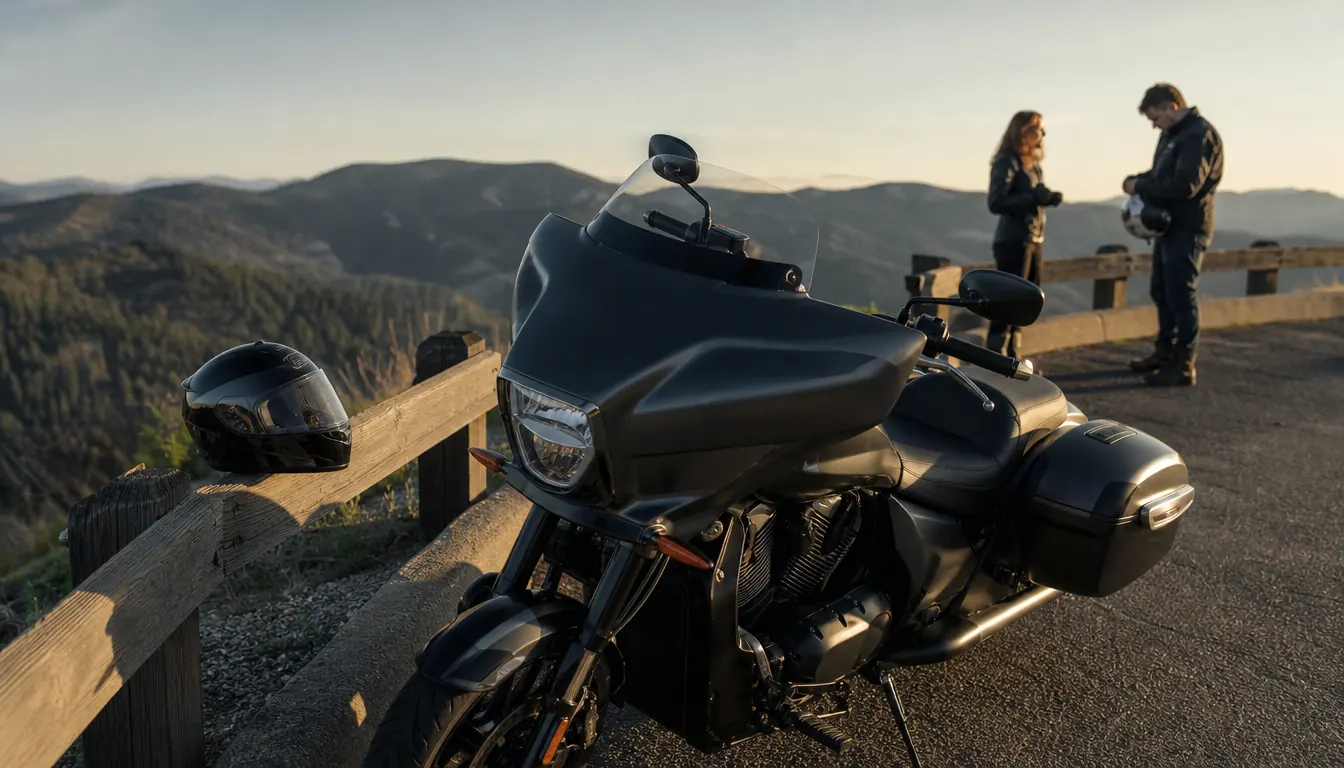
This is the pairing Linda and I use the most. When she rides pillion, we talk the whole way, and the intercom is what makes that possible without shouting. The Cardo Spirit uses intercom pairing, and it works between two Cardo headsets. It does not require the phone to be involved at all, which means it still works in the middle of nowhere with no cell signal.
Start with both headsets powered off. Press and hold the main button on the first headset for about five seconds until the LED flashes red. Then do the same on the second headset. The order does not matter much, but putting the first headset into pairing mode before the second keeps the handshake clean. The two units find each other and connect, and you hear a confirmation prompt on both. The first time I did this, I expected it to be complicated. It was not. The two Cardo units did the handshake in a few seconds, and Linda and I were talking to each other from across the garage.
The first time we used it for real was on Highway 20 east of Bend on a June morning. Linda tapped my shoulder and asked whether I wanted to stop for coffee in Burns, and I heard her as clearly as if she were in the living room. No shouting, no leaning back, no guessing. If only one unit finds the other, check that both LEDs are flashing red before you blame the hardware. I have stood in the garage twice with one unit in the wrong mode, and the fix is always the same: power both off and start again.
Step 5: Re-pair when the connection drops or the headset forgets
Every Bluetooth device forgets a pairing eventually, and the Cardo Spirit is no different. If your phone stops connecting, delete the pairing from the phone's Bluetooth settings and start over. On the headset side, holding the main button for about five seconds puts it back into pairing mode. I had to do this once on a Saturday morning in May, when the Spirit would not reconnect after I came out of a coffee shop in town. The whole fix took about two minutes, and the voice prompt confirmed the new link. It has not dropped since.
If the intercom between two Cardo headsets drops, power both units off and repeat Step 4. I have had to do this exactly twice in two seasons, and both times it was because one of us had let the battery run low and the unit had powered itself off mid-ride. The intercom has never dropped on its own while we were moving, even on the long stretch of I-84 through the Gorge where the terrain swallows other signals.
One more thing worth knowing: the Cardo Spirit can remember multiple phones, but it will only talk to one at a time. If you and your partner both ride with the same headset model, make sure the right phone is the one that connects before you pull out of the driveway. The Cardo app shows you which devices the headset remembers, and clearing the list from the app is easier than holding buttons and guessing. I did that once before the Montana trip, and it took less time than finding my glasses.
What Else Helps
A few things make the whole system work better. First, position the microphone so it sits just off to the side of your mouth, not directly in front of it. Too close and every breath sounds like wind. Too far and the person on the other end hears mostly road noise. When I first mounted the Spirit, I set the mic right in front of my lips, and Linda said I sounded like I was talking into a paper bag. I slid the boom out about an inch and a half, and the difference was immediate. I have shown a handful of riders the same fix at gas stops, and the usual reaction is surprise that it is that simple.
Second, update the firmware if the Cardo app offers one. The app is not required for pairing, but it is the easiest way to manage settings and check battery level. I updated mine once in the garage, and I have not touched it since. It took a few minutes on the workbench, and it fixed a small quirk where the voice prompt was quieter than I wanted.
Third, if you wear earplugs, put them in before you pair the headset. The voice prompts come through clearly enough to hear with earplugs in, and you will not have to redo the pairing because you could not hear the confirmation. I ride with foam earplugs most of the time, and the Spirit has never been a problem.
Finally, find your volume level and leave it there. The volume controls are on the side of the unit, and the Spirit remembers the last setting. I run mine at about three quarters on the highway and turn it down in town. The speakers sit in the pockets of the helmet liner, so if the sound seems thin, the speaker placement is usually the culprit, not the headset. Slide the speakers around until they sit over your ears, and the audio firms right up.
The first time I paired the Cardo Spirit, I called Linda from the garage and she could hear me clearly enough to ask why I was calling her from twenty feet away.
Get the Cardo Spirit and start talking on your next ride
Two seasons in, the Cardo Spirit is the headset I recommend to riders who want clear intercom without a complicated setup. Check today's price on Amazon.
Amazon Check Today's Price on Amazon →